A dash camera is only useful when its coverage, footage and power system match the incidents you want to document. By checking camera placement, plate readability, storage behaviour, parking-mode power and installation quality before purchase, you can avoid a system that records plenty of video but misses the evidence you need.
Key takeaways
- Choose front-and-rear coverage when rear impacts or tailgating matter.
- Judge image quality by reading moving number plates in sample footage.
- Match microSD capacity and endurance to recording hours and loop settings.
- Test parking triggers, heat protection, alignment and controls after installation.
Choose the camera layout and viewing angle for your vehicle
A front-only dash camera records the road ahead but leaves rear-end impacts, tailgating and incidents in adjacent rear lanes undocumented. Choose the layout around the blind spots that matter in your vehicle, not the largest screen or lens number.
| Option | Coverage | Best fit and remaining gap |
|---|---|---|
| Front-only dash camera | Forward road, usually across several lanes | Private cars needing evidence ahead; misses the rear and cabin |
| Front-and-rear dash camera | Windscreen view plus traffic behind | Daily driving, highway use and rear-impact disputes; misses the cabin and most side angles |
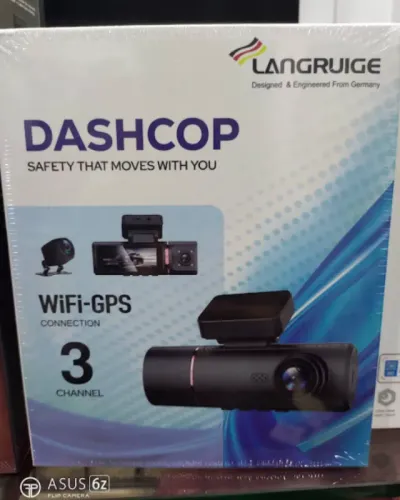
| Three-channel dash camera | Front, rear and cabin views | Taxis, rideshare vehicles, family cars and fleets; adds cabin evidence but still does not record every side blind spot |
A 170-degree field of view captures more of the lanes beside your bonnet, but the curved edges stretch objects and make number plates harder to read. A narrower lens can produce more useful detail straight ahead. Compare sample footage from the driver’s seat rather than choosing by the stated angle alone.
For the rear camera installation, route the cable through trim without crossing curtain- or side-airbag deployment paths. Leave slack at a tailgate hinge, and keep the wire clear of pinch points; a trapped cable can cut the rear view or damage the door.
An interior camera for taxi and rideshare vehicles helps document passenger disputes, while family and fleet operators need a clear privacy policy before recording occupants.
Judge image quality by moving number plates, not the 4K label
Usable evidence comes from number-plate readability in moving traffic, not the printed resolution. A 4K 3K 2K dash camera listing can hide motion blur, poor exposure, lens distortion and heavy compression, leaving a higher-resolution file less useful than a well-exposed 2K recording.
Watch original sample clips, not still images or showroom footage. Check whether the plate remains legible when the vehicle approaches, passes, or sits at the edge of the frame.
- Compare 30 fps with 60 fps footage: a higher frame rate can reduce motion blur, but only if exposure and lighting remain adequate.
- Check bitrate and codec: a high-resolution image recorded at a low bitrate can show blocky letters, while H.265 or H.264 tells you how the file is compressed, not how clear it will be.
- Confirm the advertised dash camera resolution applies to the channel you will use; some specifications quote the front camera while the rear or interior camera records at a lower resolution.
- Test number-plate readability in daylight, night rain and oncoming headlights, including vehicles moving across the frame.
A very wide view spreads each plate across fewer pixels and bends details near the edges. A moderate view can identify a vehicle more reliably than a 170-degree image.
A circular polarising lens can reduce windscreen reflections in daylight. Rotate it after installation; a badly adjusted filter reduces incoming light and can worsen night footage, especially in rain or against headlights.
Match the microSD card and loop recording to your coverage
Choose a high-endurance microSD card rated for continuous video, not a standard phone or photography card. Match its memory card speed rating to the camera maker’s requirement, then check the dash camera storage capacity against the number of channels and resolution you will record.
| Recording setup | Storage effect | What to check |
|---|---|---|
| Front-only recording | Longest recording time | Useful if rear evidence is not needed |
| Front-and-rear recording | Shorter recording time | Confirm both streams use the advertised resolution |
| Three-channel recording | Shortest recording time | Check the three-channel recording duration before choosing capacity |
Set loop recording to overwrite the oldest unlocked clips, so normal recording continues after the card fills. Protected files do not belong in that overwrite queue: a collision clip must survive, but repeated pothole triggers can fill the protected folder and stop recording.
- Test G-sensor sensitivity on your actual roads. Excessive sensitivity locks files after potholes, hard braking or door slams; low sensitivity can leave a genuine impact unprotected.
- Choose the largest capacity explicitly supported by the camera, then format the card in the camera rather than on a computer.
- Check the camera’s protected-file limit and warning system. It should identify a full locked-file area instead of silently stopping.
- Use the camera’s manual lock button after an incident, and copy important footage to another device before deleting or formatting the card.
Check parking mode power, triggers and heat resistance
Dash camera parking mode needs a correctly installed hardwire kit, a constant power feed, an adjustable low-voltage cut-off and a trigger system suited to the risk around your parked car. Without the cut-off, overnight recording can cause enough battery drain to prevent starting; the protection cannot rescue an old or weak starter battery.
Choose the trigger according to the incident you need to capture:
- Impact-only recording uses the least power but can miss a person who brushes past the car without creating a strong shock.
- Motion detection watches for movement and records nearby activity, but passing pedestrians, traffic and changing light increase recording time and power use.
- Buffered parking mode saves footage from before and after a detected impact or movement. It is the right choice when you need to see what happened immediately before the event.
- Time-lapse recording captures frames at intervals, reducing storage and power use but losing continuous detail between frames.
Ask the installer to verify the fuse-tap orientation, original fuse protection, constant and switched feeds, and shutdown behaviour. Do not rely on an ignition label alone. For high heat exposure, choose a camera with a supercapacitor rather than a conventional battery; it helps close and save the final file, not record for hours.
Keep the camera and hardwire kit within their specified temperature range, since heat can shorten service life and corrupt footage.
Use the installation check to verify alignment, wiring and controls
A completed dash camera installation is ready for safety evidence only after you verify the lens view, cable routing, power behaviour and controls on the actual vehicle.
1. Sit in the normal driving position and check the live image. Keep the horizon level, exclude excessive dashboard, and confirm the lens is not blocked by the rear-view mirror or tinted glass.
A screen versus screenless dash camera changes the check: use the built-in display, or a phone app and status light, to confirm alignment and recording.
2. Inspect every cable before refitting trim. Check curtain airbag cable routing and keep wires away from side-airbag deployment paths. For a rear unit, check tailgate cable routing, leave slack at hinges, and make sure closing the tailgate cannot pinch the cable.
3. Verify the fuse tap switched feed constant feed arrangement against the camera’s parking-mode instructions. Retain the vehicle circuit’s original fuse, use the correct tap orientation, and confirm the camera shuts down or enters parking mode when the ignition is off. Do not rely on a fuse label alone.
4. Complete an installation test: start and stop the car, trigger recording, lock a sample file, test buttons, and confirm Wi-Fi access. Check GPS metadata for time and location, but do not treat displayed speed as a calibrated speedometer. Test impact sensitivity on familiar roads so potholes do not fill protected storage.
Ask RS Car Accessories to record these checks on the job sheet, including the final lens angle and power shut-down result.
Related products
 | Dashcam SMART DASHCAM PRO4K & REAR CAM ₹24990 G sensor for emergency, ADAS enable, always recording on , built in gps , HDR superior low light performance, support upto 1TB CARD View product → |
 | DASHCAM SMART DASHCAM PRO3K & REAR CAM ₹23999 record everything , avoid accident blame games , no more incorrect challan , fast track insurance claim , make beautiful journey vloge , View product → |
Frequently asked questions
Should you choose a front-only, rear or dual-channel dash camera?
Choose the layout around your vehicle’s blind spots and the incidents you need recorded. A front-only camera misses rear-end impacts, tailgating and events behind the car; a dual-channel system records front and rear views.
How should you judge dash camera image quality?
Check sample footage for moving number plates, especially in daylight, low light and at realistic traffic distances. Do not rely on the camera’s 4K label alone.
How do you match a microSD card to a dash camera?
Choose a card rated for continuous video recording, then match its capacity to the camera’s resolution, number of channels and loop-recording coverage. Replace it when recording errors or corrupted clips appear.
What should you check in parking mode and after installation?
Confirm the power method, impact or motion triggers, low-voltage cut-off and heat protection. After installation, verify camera alignment, cable routing, rear-camera view and access to controls.
Related products
 | Dashcam ₹19000 24x7 remote live view , reply event video recording, live location live tracker, driver valet mode , 2 way talk , View product → |
 | Dashcam ₹8999 high clarity , 360' rotatable , superior night vision, time laps , View product → |
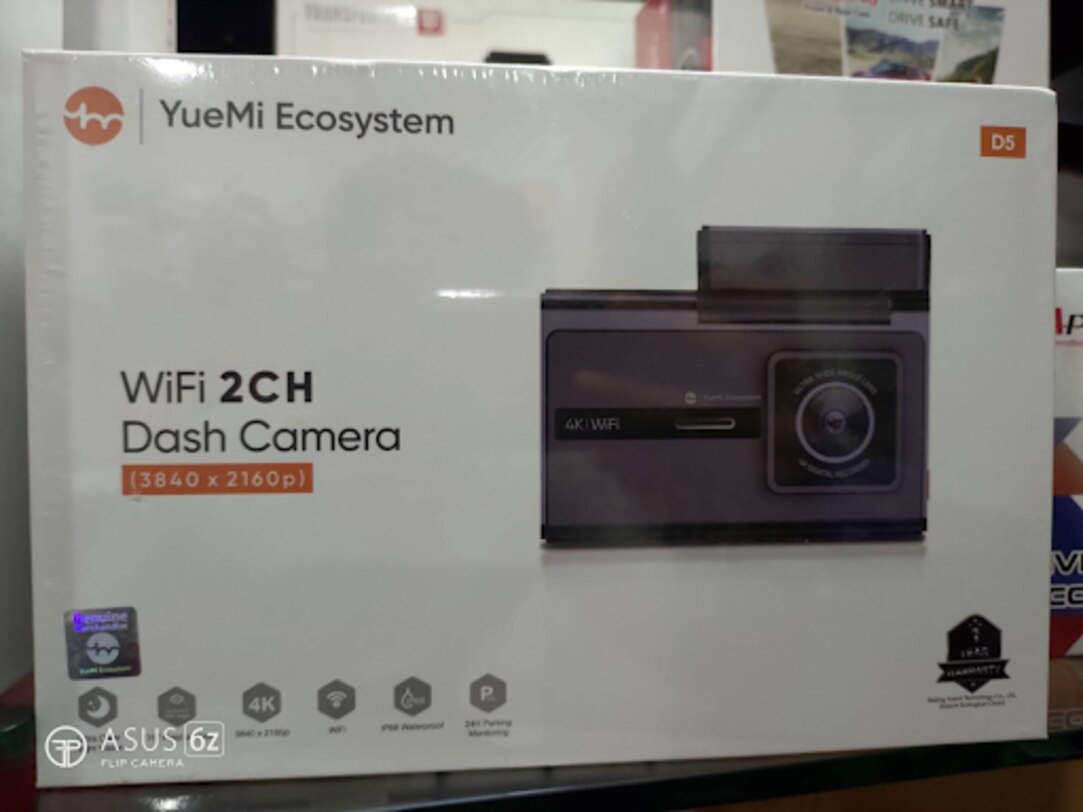
 | Dashcam YueMi Wifi 3ch 4k Dashcam With AI control ₹27999 number plate detection, ultra night vision , 170' field of view , wifi , ip68 waterproof, parking monitor , built in g sensor View product → |
 | Dashcam ₹21000 4g sim support, emergency recording, geo-fence, two way talk , sd card support, remote monitoring. View product → |